Notifications
Launch anything, instantly
A free radial launcher for macOS. Navigate your apps, folders, and websites with ease.
Design it your way
Endless customization options. Create a launcher that feels uniquely yours.
Minimal
Clean and simple - just the essentials
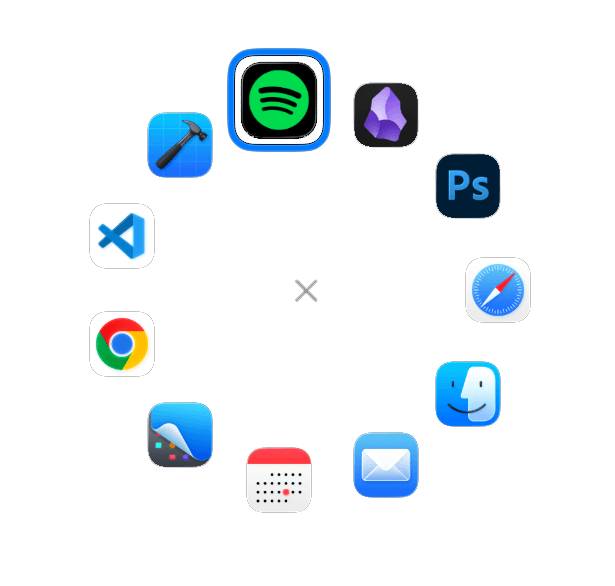
Toggle Apps
Toggle between running and shortcuts apps
Circular Backgrounds
Add depth with background circles
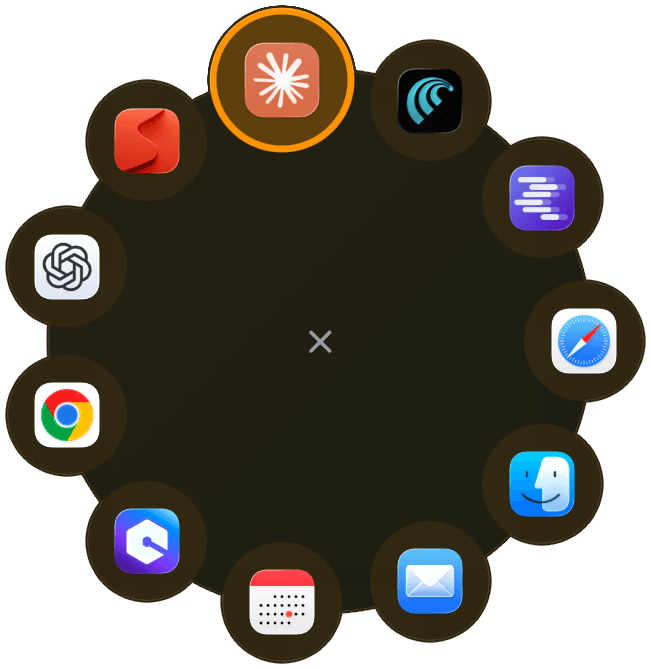
Full custom, fully yours
Mix and match styles, colors, and layouts. Create something completely unique with endless customization possibilities.
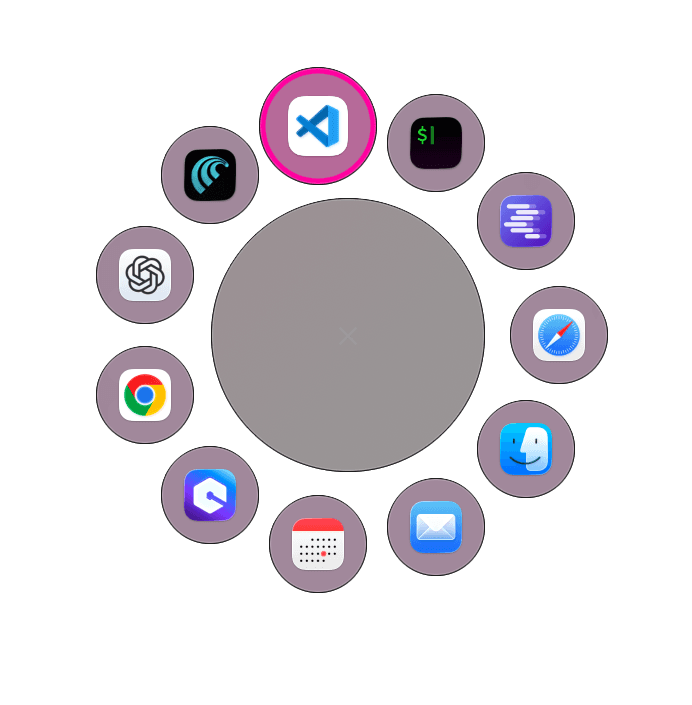
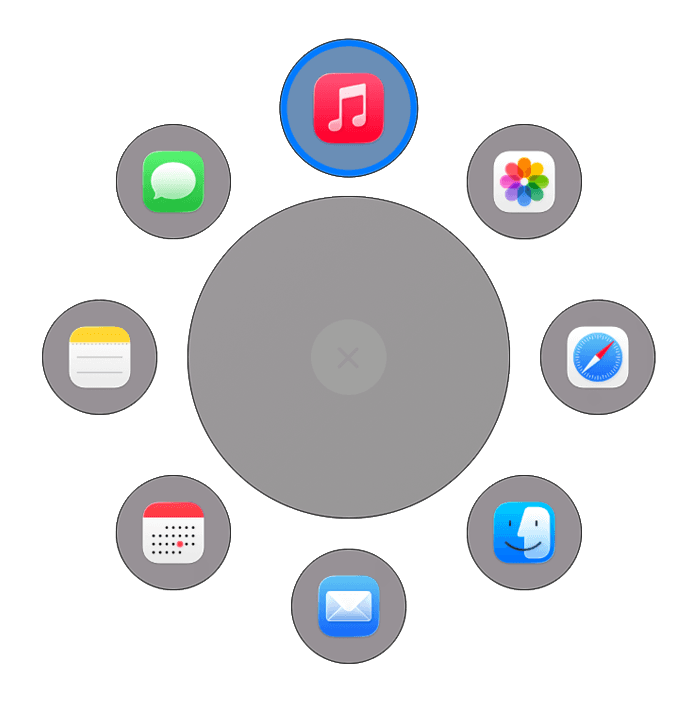
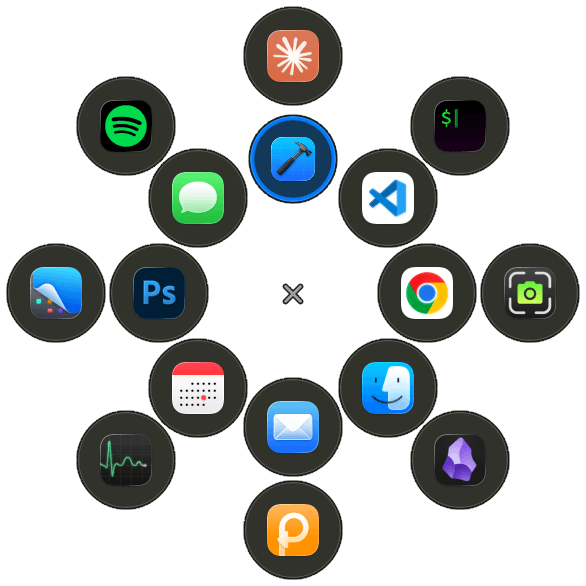
Arrow keys & scroll wheel
Navigate seamlessly with keyboard or mouse. Switch between modes instantly.
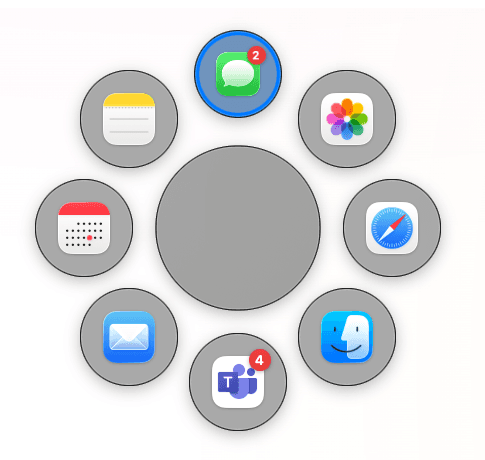
Notification badges
See notification counts at a glance. Quickly access apps that need your attention.
Launch anything from one place

Apps
Launch any application instantly
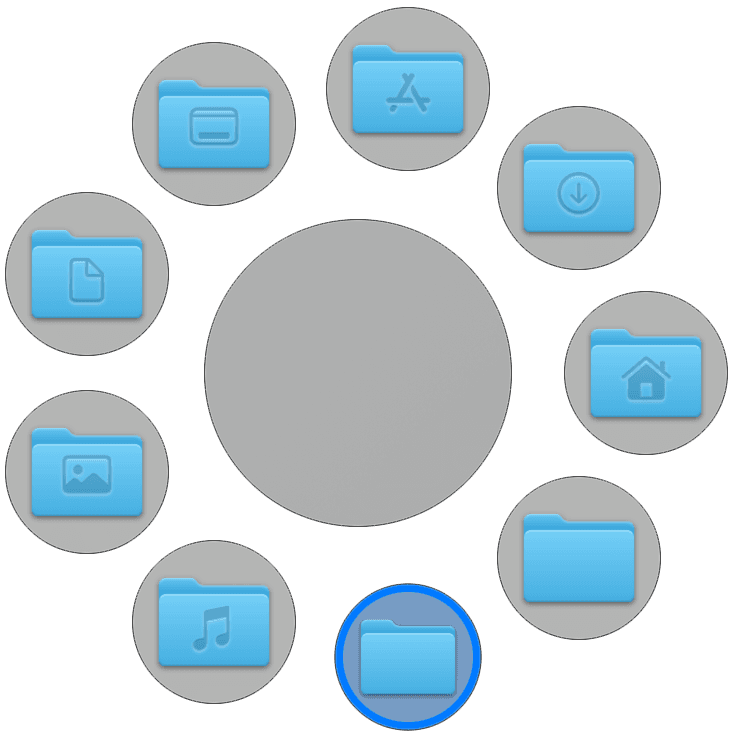
Folders
Quick access to directories
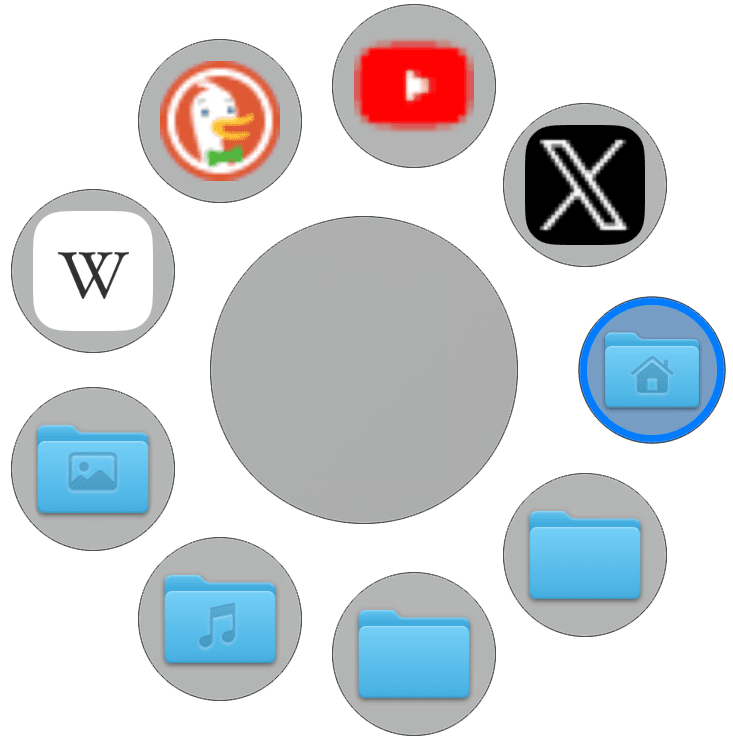
Websites
Open sites with one click
Settings for your workflow
Every detail, from hotkeys to colors and animations, is customizable. Configure Loopty exactly how you need it.
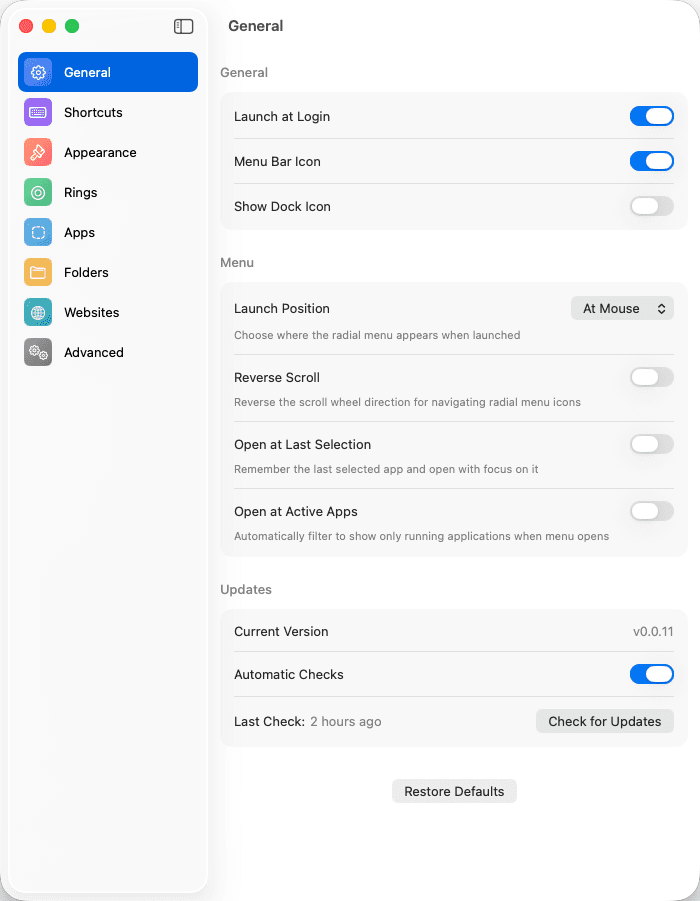
General
Launch at Login
Automatically start Loopty when macOS boots
Menu Bar Icon
Show or hide the menu bar icon
Show Dock Icon
Display Loopty icon in the macOS Dock
Launch Position
Choose where the radial menu appears when launched
Reverse Scroll
Reverse the scroll wheel direction for navigating radial menu icons
Open at Last Selection
Remember the last selected app and open with focus on it
Open at Active Apps
Automatically filter to show only running applications when menu opens
Shortcuts
Keyboard
Click the field and press your desired key combination
Mouse Clicks
Click the field and perform a mouse click pattern
Running Apps Filter
Press to toggle running apps filter when menu is open
Appearance
Scale
Adjust the size of the radial menu (range with current value display)
Tightness
Control spacing between elements in the radial menu
Animation
Choose menu appearance animation style
App Labels on Hover
Display app names when hovering over icons in the radial menu
Running Indicator
Show a dot under apps that are currently running
Hide Close Button
Hide the close button in the center of the radial menu
Button Size
Adjust the size of the close button
Background Circle
Enable/disable background circle with color picker and size control
Icon Backgrounds
Enable/disable colored backgrounds behind icons with color picker and size control
Custom Focus Ring
Enable custom styling for the focused/selected icon
Focus Style
Choose how the focused icon responds when selected
Rings
Select Ring
Choose which ring to configure from a dropdown menu
Add Ring
Button to create a new ring for additional app slots
Ring Preview
Visual representation of the selected ring showing its position and current configuration
Max Apps
Set the maximum number of app slots for this ring
Ring Angle
Rotate the ring along its center axis
Ring Spacing
Adjust distance between this ring and the center
Apps
Configure App Shortcuts
Drag and drop apps from the grid below onto the radial menu preview to configure your shortcuts. Manage rings in the Rings tab.
App Categories
Filter apps by All, External, or System
Search apps
Search through available applications
Hide used
Toggle to hide apps that are already added to your rings
Sort
Sort apps by Name or other criteria
App Grid
Visual grid displaying 162 apps with icons and names for drag-and-drop configuration
Folders
Configure Folder Shortcuts
Drag and drop folders onto the radial menu preview to configure your shortcuts. Click 'Choose Custom Folder' to add any folder from your system.
Search folders
Search through available folders
Hide used
Toggle to hide folders that are already added to your rings
Sort
Sort folders by Name or other criteria
Choose Custom Folder
Button to browse and select any folder from your file system
Folder Grid
Folder icons for drag-and-drop configuration
Websites
Website bookmarks
Add frequently visited websites to your rings
Browser selection
Choose which browser opens each website
Favicons
Website favicons are automatically fetched and displayed
URL parameters
Configure specific URLs with query parameters
Advanced
Export to ~/.looptyrc
Export your current configuration to the default file location
Export to...
Export your current configuration to a custom file location
Import from ~/.looptyrc
Import and apply configuration from the default file location
Import from...
Import and apply configuration from a custom file location
Config File Status
Shows default config file location (~/.looptyrc) and whether the config file exists
Ready to download the most beautiful app launcher?
Absolutely Free
No trials, no subscriptions, no hidden costs. Loopty is a fully free app with unlimited access to all features.
No strings attached
Downloaded worldwide
Loading global download data...
Join our Community
Your voice matters! Create a free account to join the community of those making Loopty the best it can be.